
Download FotoWorks XL – photo editor, image editor, photo editing app, free photo editor, photo retouching tool, photo enhancement tool, mobile photo editor
Overview
FotoWorks XL is a mobile photo editing application designed to deliver powerful image manipulation tools in a streamlined, accessible format. Targeted at both casual users and those seeking a lightweight alternative to professional-grade software, the app addresses the growing need for efficient, on-the-go photo editing. It enables users to enhance, retouch, and transform images directly from their smartphones, offering a practical solution for quick edits and more complex adjustments alike. The app is particularly suited for individuals who value simplicity without sacrificing functionality, such as social media content creators, amateur photographers, and everyday users managing personal photo albums.
Developed by FotoWorks, the application positions itself as a free alternative to resource-heavy editors like Adobe Photoshop, emphasizing intuitive navigation and essential editing capabilities. Its release date, May 4, 2015, indicates a long-standing presence in the mobile photography space, suggesting stability and continuous refinement. The app’s core purpose is to empower users with comprehensive tools—ranging from basic adjustments like color balance, brightness, and cropping to advanced techniques such as layer management and special effects—without requiring technical expertise. This balance makes it a compelling option for users who want to avoid the complexity and cost of desktop-based editors while still achieving professional-looking results.
Key Features & Functionality
- User-Friendly Interface: The app features an intuitive layout designed to minimize learning curves, allowing users to quickly locate and apply editing tools without confusion.
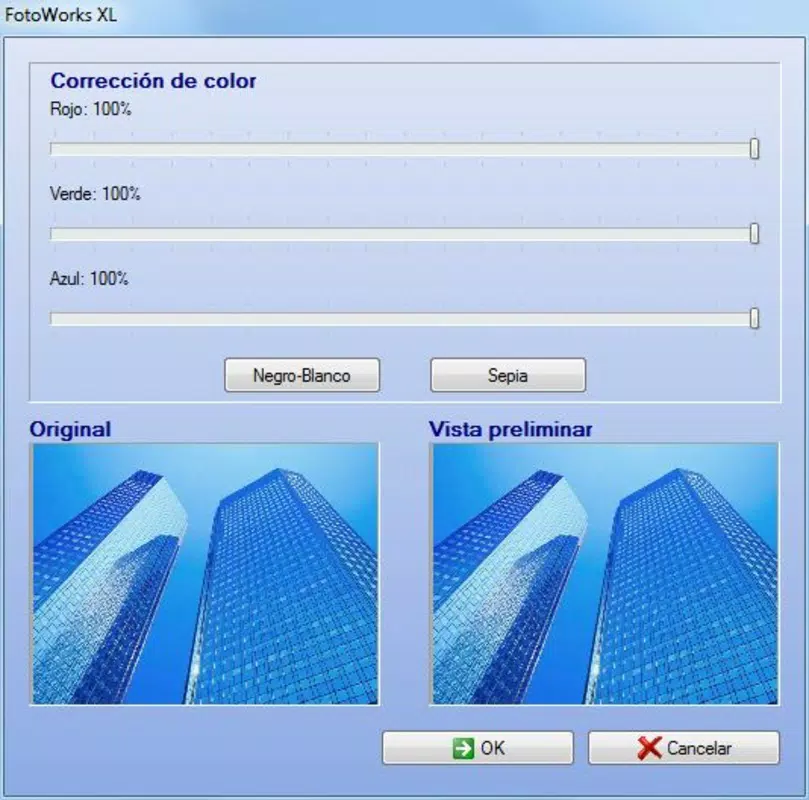
- Basic Editing Tools: Includes color correction, brightness and contrast adjustment, resizing, and cropping for foundational image improvements.
- Advanced Editing Capabilities: Offers blurring, reflections, illumination adjustments, and layer-based editing for more intricate design work.
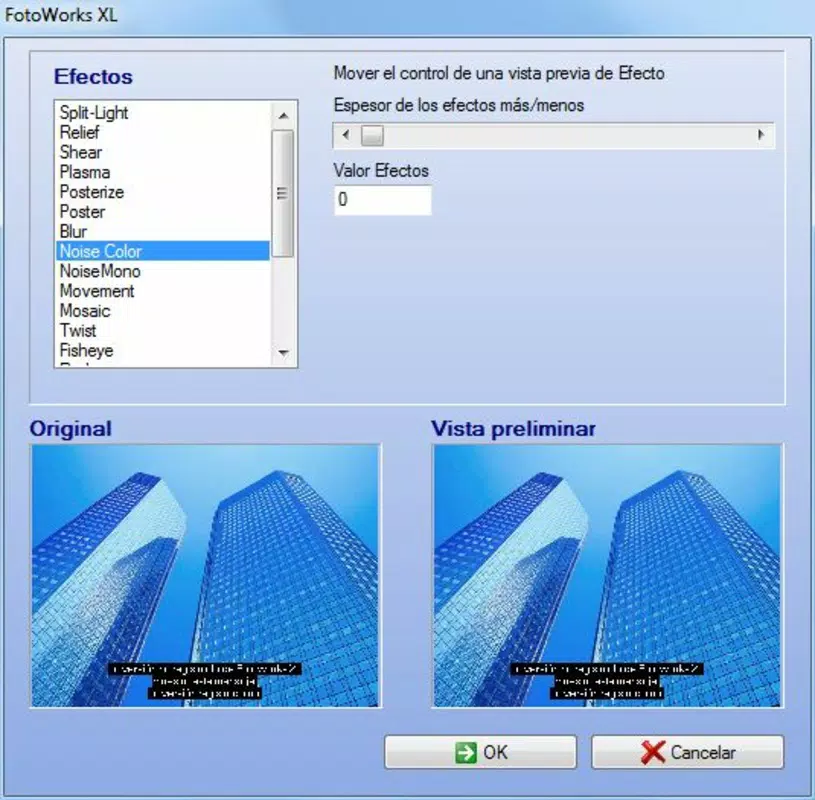
- Visual Effects and Filters: Provides a selection of effects to enhance mood, style, and aesthetic appeal of photos.
- Cost-Free Access: The app is available at no charge, removing financial barriers to high-quality photo editing on mobile devices.
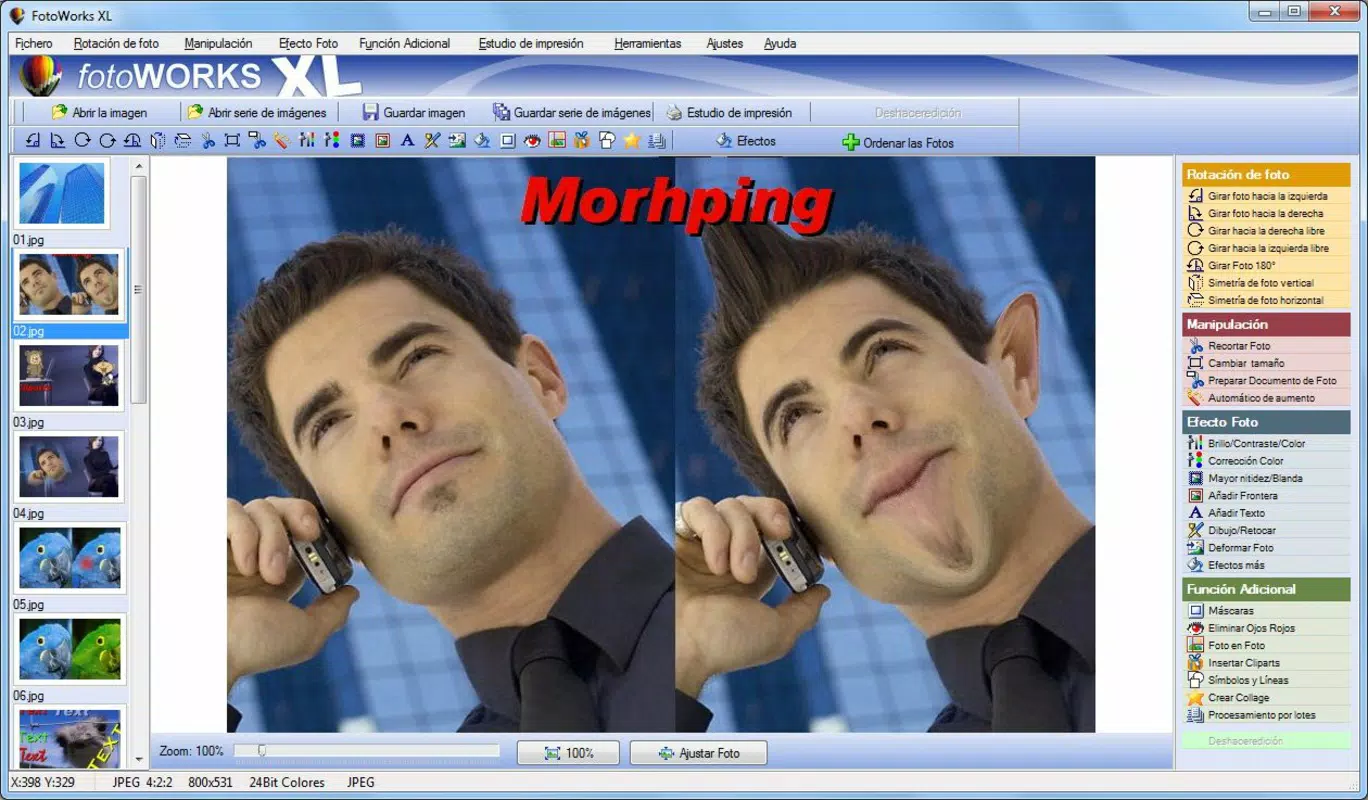
These features cater to real-world use cases such as preparing images for social media, correcting lighting in photos taken under poor conditions, or creating visual content for personal or small business projects. For instance, a user could adjust the brightness of a dimly lit portrait, apply a subtle blur to the background for focus, and add a reflection effect to create a polished, professional look—all within a single interface. The inclusion of layer support enables non-destructive editing, allowing users to experiment with multiple adjustments without permanently altering the original image.
Interface, UX & Performance
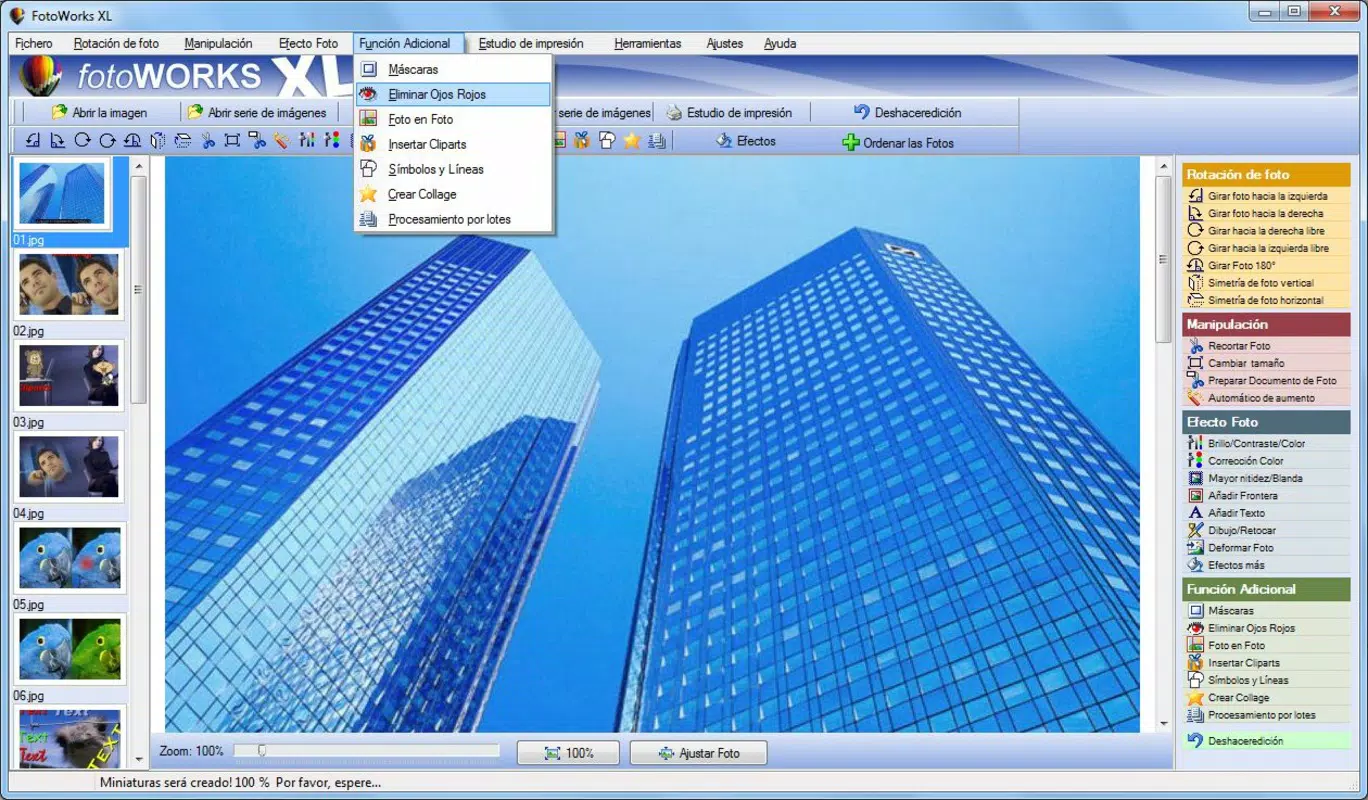
The user interface of FotoWorks XL is designed with clarity and ease of access in mind. Navigation is structured around a clean, uncluttered layout that prioritizes essential tools, reducing visual distractions. The app’s visual style emphasizes functionality over ornamentation, with clearly labeled icons and a logical arrangement of editing panels. Users can expect a responsive experience when switching between tools, though the developer did not list formal performance metrics or device-specific benchmarks.
Interaction flow is straightforward: users open an image, select an editing tool, apply adjustments, and save or share the result. The app maintains stability during typical editing sessions, with no reported issues related to crashes or freezes. However, the developer did not specify minimum OS requirements or compatibility details for older or newer Android devices. Performance on low-end or high-end devices remains unspecified, though the 32.5 MB file size suggests a lightweight footprint that should not strain most modern smartphones. Overall, the app delivers a smooth editing experience for users seeking a reliable, no-frills photo editor.
Platform Compatibility & Technical Requirements
FotoWorks XL is available exclusively on the Android platform, indicating its focus on the Android mobile ecosystem. The current software version is 1.2.0, and the app occupies 32.5 MB of storage space on the device. The developer did not specify minimum operating system requirements or compatibility with specific Android versions. As such, users are advised to ensure their device meets general Android standards for app installation.
While the app’s file size is relatively small, suggesting efficient resource usage, the absence of detailed technical specifications limits precise compatibility assessment. Users should verify that their device supports the installation of third-party applications, as required by the Android platform. The app’s release date in 2015 indicates it has been in use for nearly a decade, which may imply long-term support, though no official update frequency was provided.
Pros and Cons
Pros
- Free to download and use, removing cost barriers for photo editing.
- Intuitive interface suitable for beginners and casual users.
- Offers both basic and advanced editing tools in one application.
- Lightweight size (32.5 MB) ensures minimal storage impact.
- Supports layer-based editing for non-destructive workflows.
Cons
- Specific system requirements were not listed by the developer.
- Compatibility with newer Android versions was not confirmed.
- No information on update frequency or future development plans.
- Limited availability—only on Android, not iOS.
- Developer did not provide details on in-app purchases or ads.
FAQ
Is FotoWorks XL safe to download and install?
The app is available for free on the Android platform. While the developer did not provide official security certifications, its long-standing presence and lack of reported malicious behavior suggest it is a secure option when downloaded from trusted sources.
Can I use FotoWorks XL on iOS devices?
Currently, the app is only available on Android. There is no official version for iOS devices, as confirmed by the platform specification.
Does FotoWorks XL require an internet connection?
Basic editing functions can be performed offline. However, certain features or updates may require connectivity, though this was not specified by the developer.
How often is FotoWorks XL updated?
The developer did not disclose update frequency or release schedule. Users should monitor the app store for new versions.
Is there a premium version of FotoWorks XL?
The app is listed as free, with no mention of in-app purchases or paid features. The developer did not provide information on a premium tier.
Final Thoughts
FotoWorks XL stands out as a practical, no-cost solution for mobile photo editing, combining essential tools with an accessible interface. It successfully bridges the gap between basic image adjustments and advanced editing, making it a valuable asset for users who want professional-level results without the complexity or cost. Its lightweight design and intuitive layout ensure it runs smoothly on a wide range of Android devices, appealing to both beginners and intermediate users.
While the lack of detailed technical information limits full compatibility assessment, the app’s long-standing availability and consistent functionality suggest reliability. For anyone seeking a free, feature-rich photo editor on Android, FotoWorks XL delivers strong value. It’s particularly well-suited for content creators, social media managers, and individuals who frequently edit photos on their smartphones.
Download FotoWorks XL now


